Installation
Instructions for installing Aserdev-OS.
Recommended Script
Run the installer script on a minimal Arch installation:
sudo pacman -Sy curl sh -c "$(curl -fsSL https://raw.githubusercontent.com/aserdevyt/aserdev-os/main/install.sh)"
ISO Installation
precautions
download the iso from releases
flash it to a USB drive using a tool like Rufus or balenaEtcher.
boot to it using your boot menu
Installation Steps
- Connect to wifi using
iwctl. - run
aserinstalloraserinstall -v
aserinstall
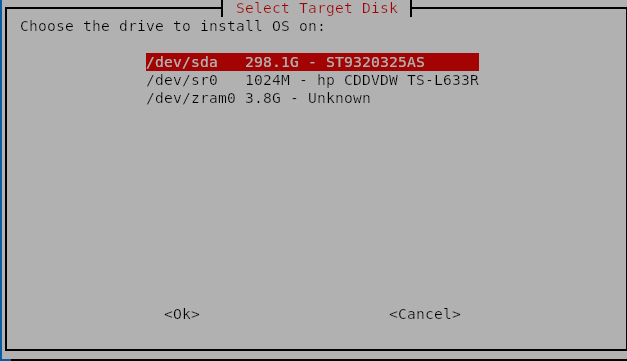
1:disk selection - choose the disk where you want to install Aserdev-OS.
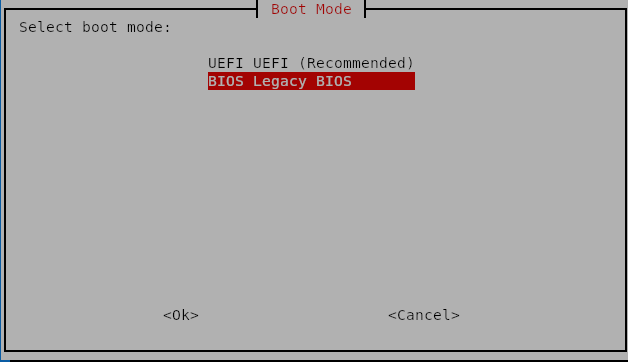
2:boot mode: choose GPT(UEFI) or MBR(BIOS).
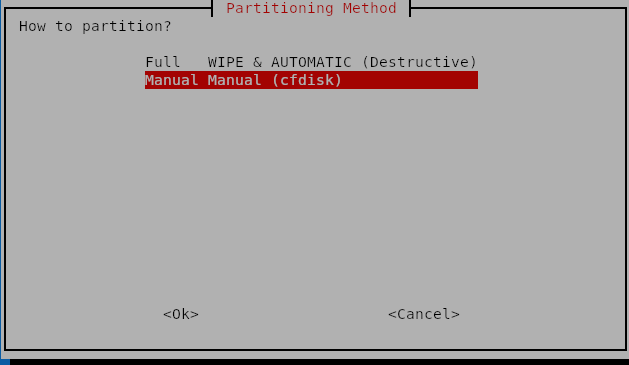
3:partitioning - choose automatic(partitioning done for you) or manual(partitioning done by you).
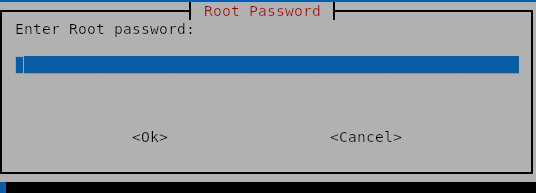
4:root password - pick a password for yoour root user.
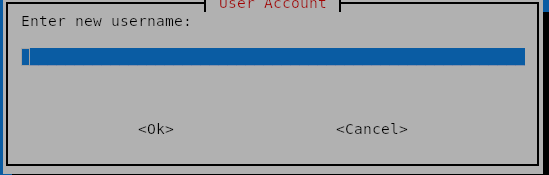
5:username - create a new user by providing a username.
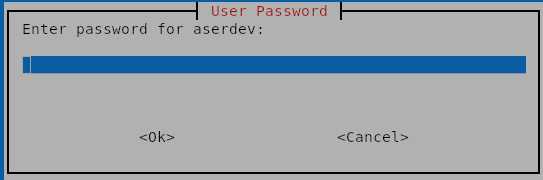
6:password - select a password for the new user.
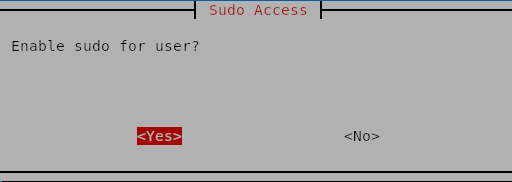
7:sudo - configure sudo privileges for the new user.
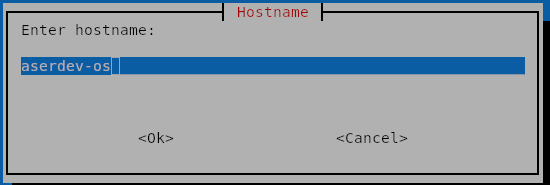
8:hostname - set the hostname for your system.
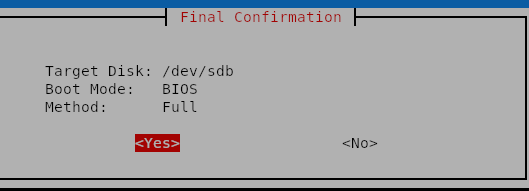
9:confirmation - review your choices and confirm to start the installation.